Quick Report Customization in Moldex3D Report Wizard
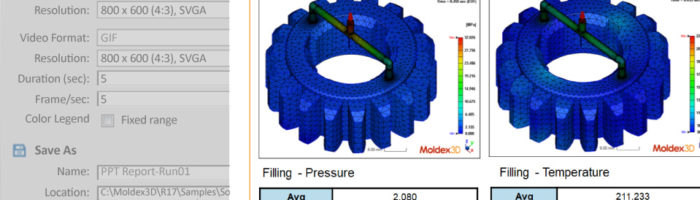
Moldex3D provides Report Wizard in the post processing to generate reports automatically. After the analysis is done, the Report wizard icon will show up in the menu bar. Then users can generate a report with a standard template by following the steps: Report → Preferences → Save As → Start. In addition to the standard template, Moldex3D also allows users to make their customized template in the Report Wizard. In the customized template, users can modify the analysis results location, report styles, layout and designs according to their needs. Moldex3D Report Wizard recognizes the images, text, graphs, and values from the results … Continue reading Quick Report Customization in Moldex3D Report Wizard
